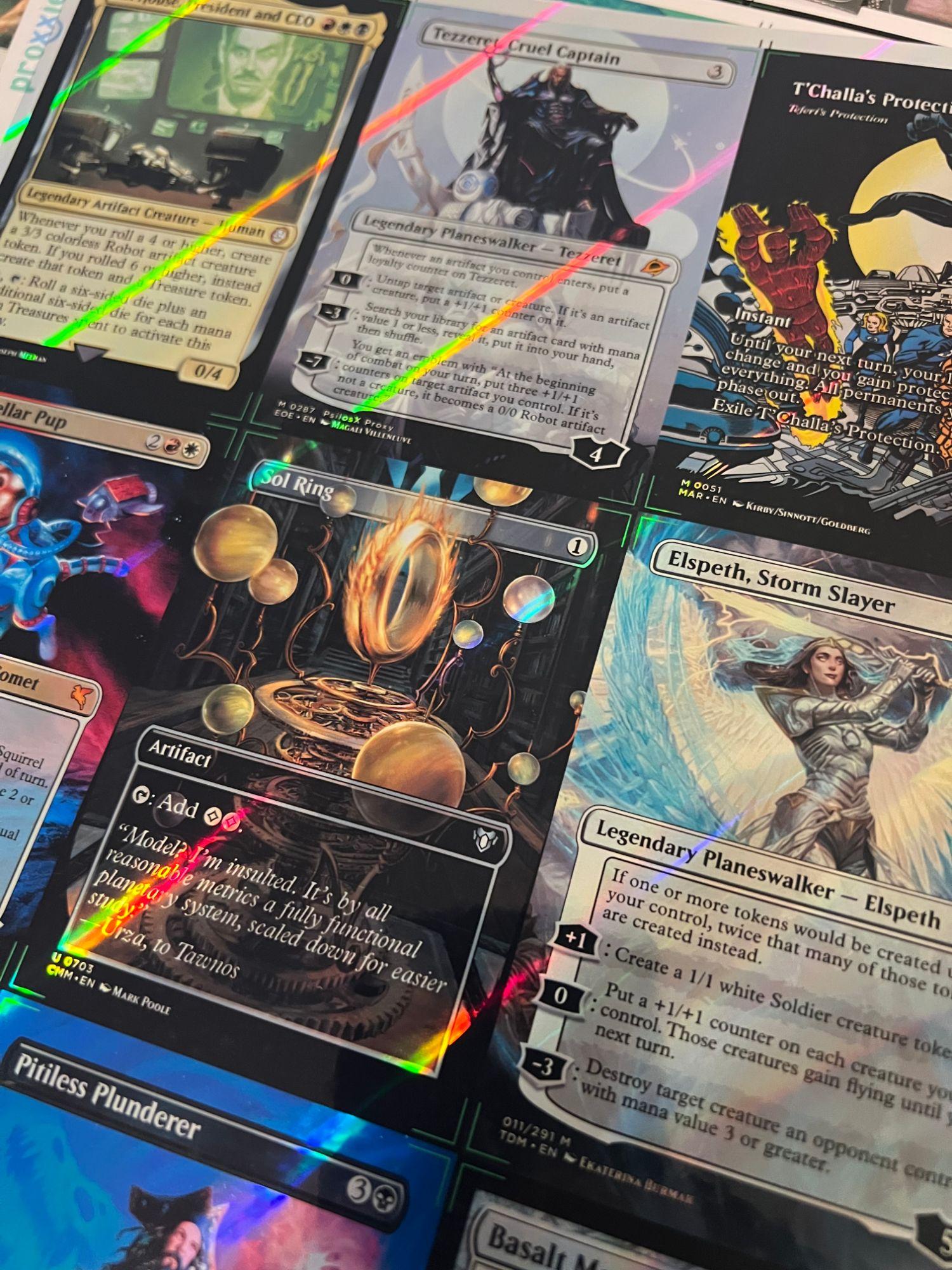
Every order we print starts as one file: an .XML export from MPCFill or Proxxied. Both are free, both do the same job, and the file they produce is the order — it tells us exactly which image goes on every card. Here's the whole trip from decklist to checkout, including the three places people trip.
Why a file and not a deck link
Moxfield, Archidekt, and the rest are built for browsing a list, so they store small web-sized card images. Printed at full size those come out soft. MPCFill and Proxxied keep libraries of print-resolution scans and let you choose a specific one per card — and the .XML they export records those choices. That's the only thing our printer can read. (More on resolution in the image-quality guide.)
Step 1 — Get your list into the builder
Export your deck from wherever you keep it as plain text, one card per line ("1 Sol Ring"). Paste that into MPCFill or Proxxied. Either site reads the standard text format and lines up a card for each entry. If a line doesn't match, fix the spelling and paste again — a card the builder can't identify is a card we can't print.
Step 2 — Pick the art for every card
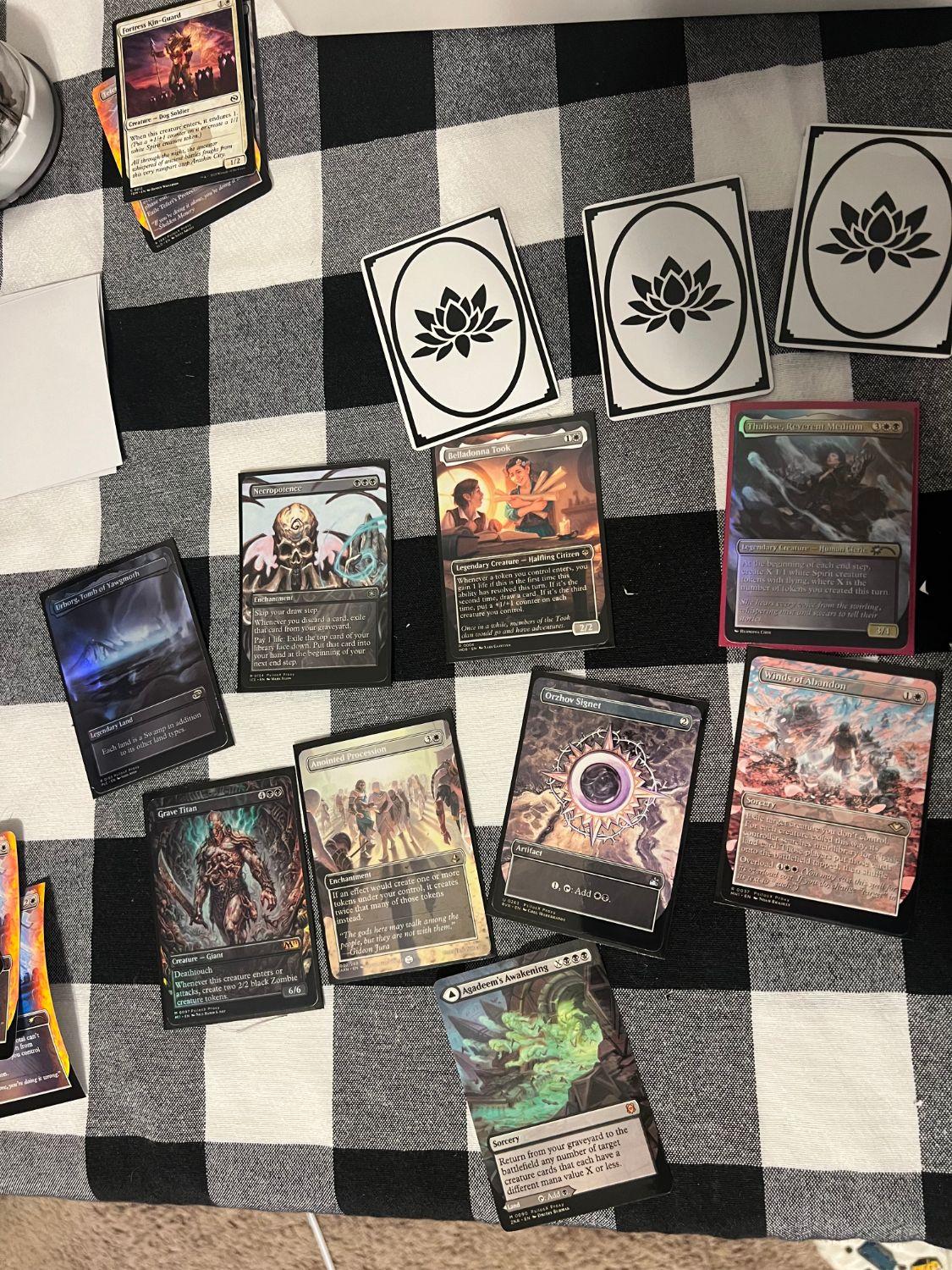
This is the part that makes it your deck. For each card you can choose which printing or community alt-art to use: old border, borderless, full-art lands, a sketch frame, whatever exists in the library. Mix styles freely or keep a theme; both print the same.
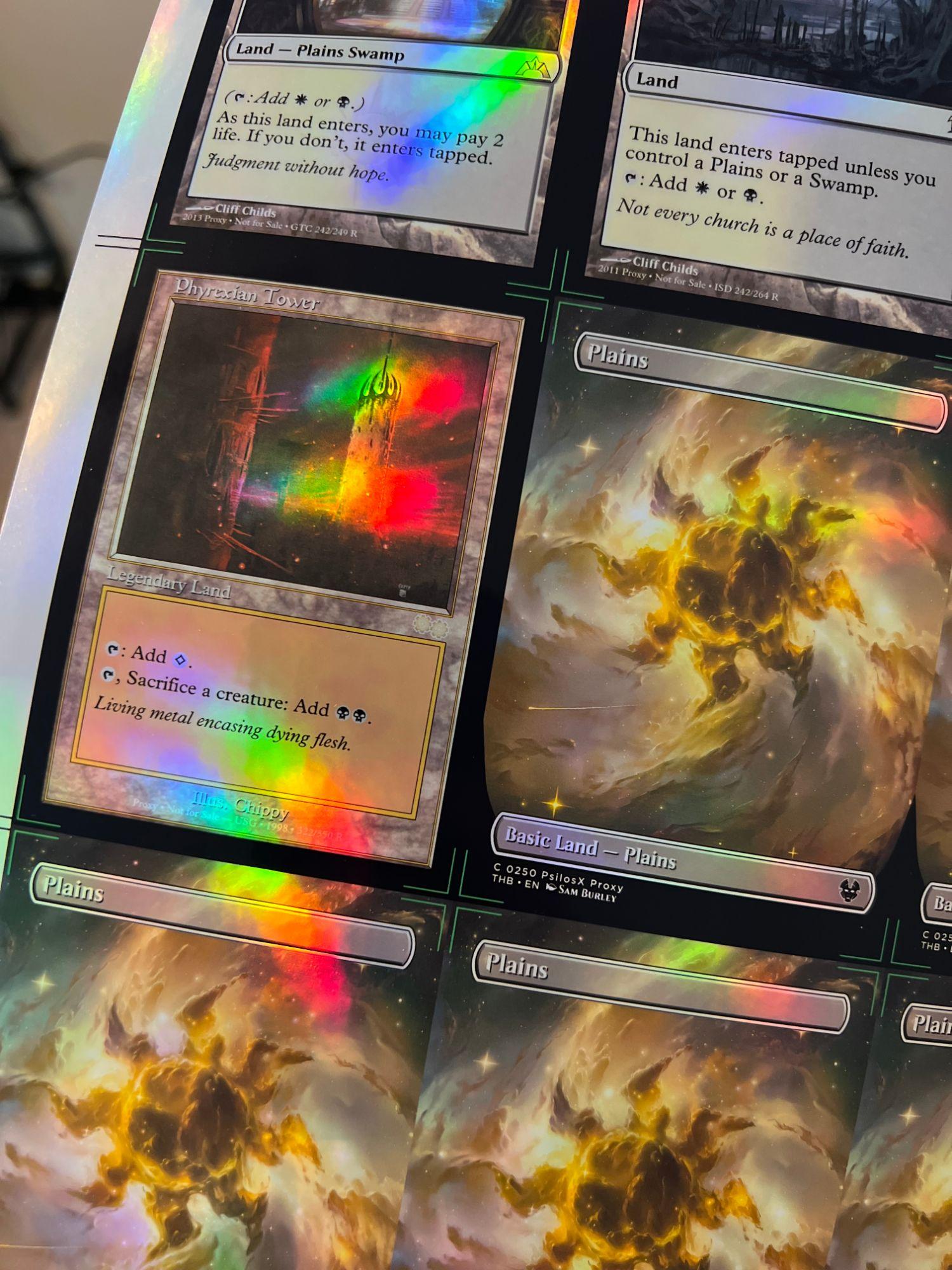
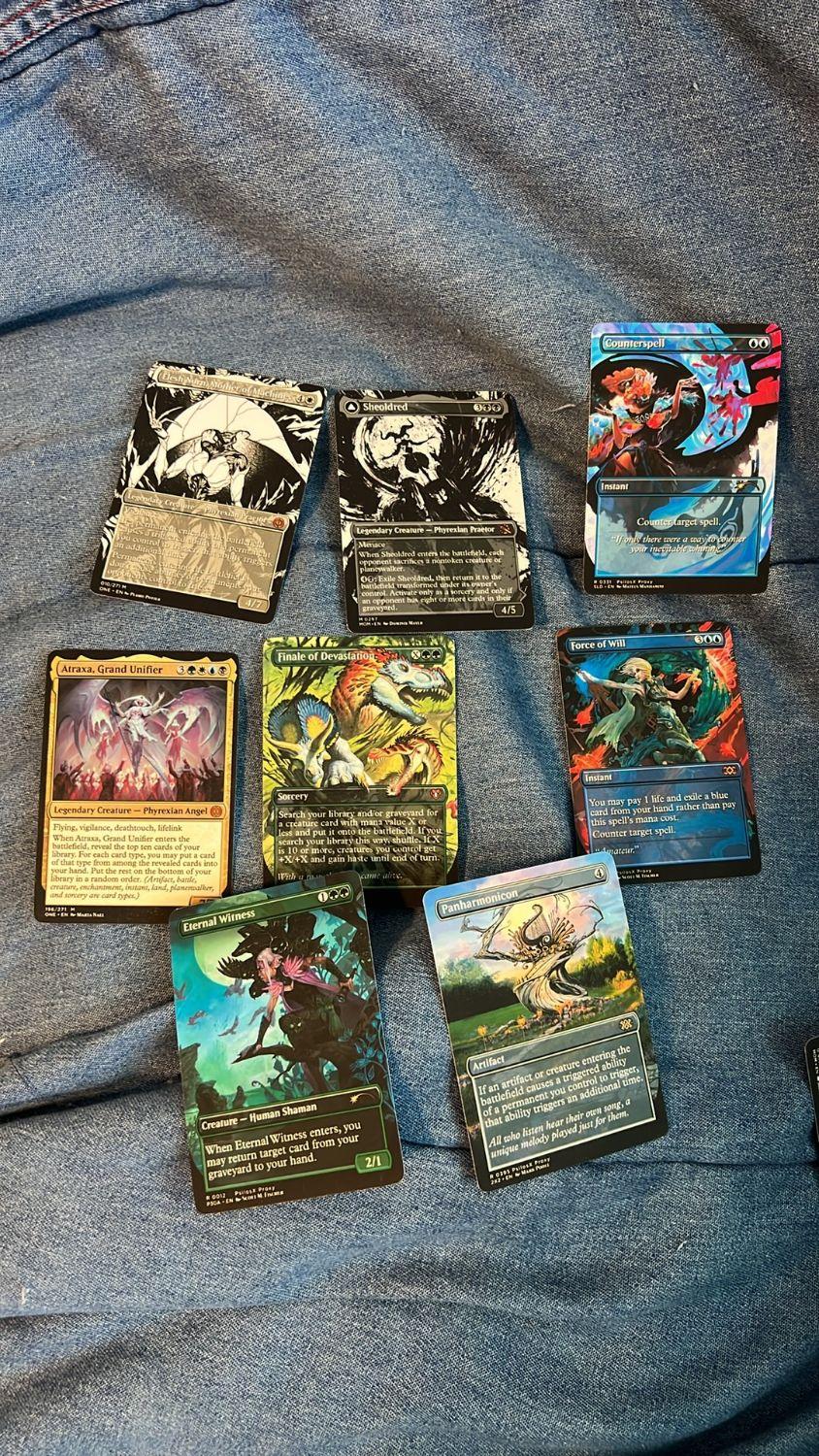
Two tips from the cutting table:
- Full-bleed art (color to the very edge) prints edge-to-edge. Framed cards keep their frame. Pick one look per deck if you want it to feel like a set.
- Watch for a card showing a placeholder or no image at all. Leave it, and it prints blank. Swap to another printing right there.
Step 3 — Add your tokens
A full deck includes up to 17 tokens at no charge, so add them to the same project and they ride along in the same file. Treasure, Clue, the 2/2 Zombie, your commander's emblem — whatever the list makes.
Step 4 — Check for blanks (the step that saves days)
Missing images are the number-one reason an order gets delayed. We open the file, find a blank, and have to email you instead of printing. Two minutes here saves two days later.
Before you export, look at every slot. Proxxied's project view makes this quick — if a card shows up empty there, it shows up empty for us too. Double-faced cards need both faces (we print both). Tokens count too.
Step 5 — Export the .XML
Use the builder's export and save the .XML it gives you. Don't rename it to .txt or open it in a word processor; just keep the file. It carries a card count we use to price singles orders and sanity-check decks, so the file is the one thing we need.
Step 6 — Upload and pay
On the order page, choose Full decks (100 cards plus tokens) or Singles (anything from 9 cards up, priced per card), then drop your .XML in. From there you pick:
- Card back — blank, our printed back, or your own art. We never print the official Magic back; an order that asks for it gets cancelled and refunded.
- Foil — the whole deck, or just some cards from a separate foil-only file that fills sheets of 9 exactly. Here's how to decide.
- Deckbox — the branded cardstock box comes free; add the clear box + sleeves combo and choose a sleeve color if you want it table-ready.
Hit Continue to payment and Stripe handles the rest — we never see your card number. Texas addresses add sales tax at checkout; everywhere else the total is exactly what the summary shows. In San Antonio? Pick free local pickup instead of shipping.
What happens after you pay
You get a confirmation email right away. We open your file and check every image. If anything is missing we email you before printing — reply with a corrected .XML and we swap it at no charge. Otherwise we print, cut, check each card, and ship USPS with tracking, usually within a few business days. The tracking number lands in your inbox the day it leaves.
The three mistakes we see most
- Uploading a link or a screenshot instead of the .XML. The form only accepts the export file, for the resolution reason above.
- Asking for the official card back. It's the one hard rule, and we cancel and refund rather than print it.
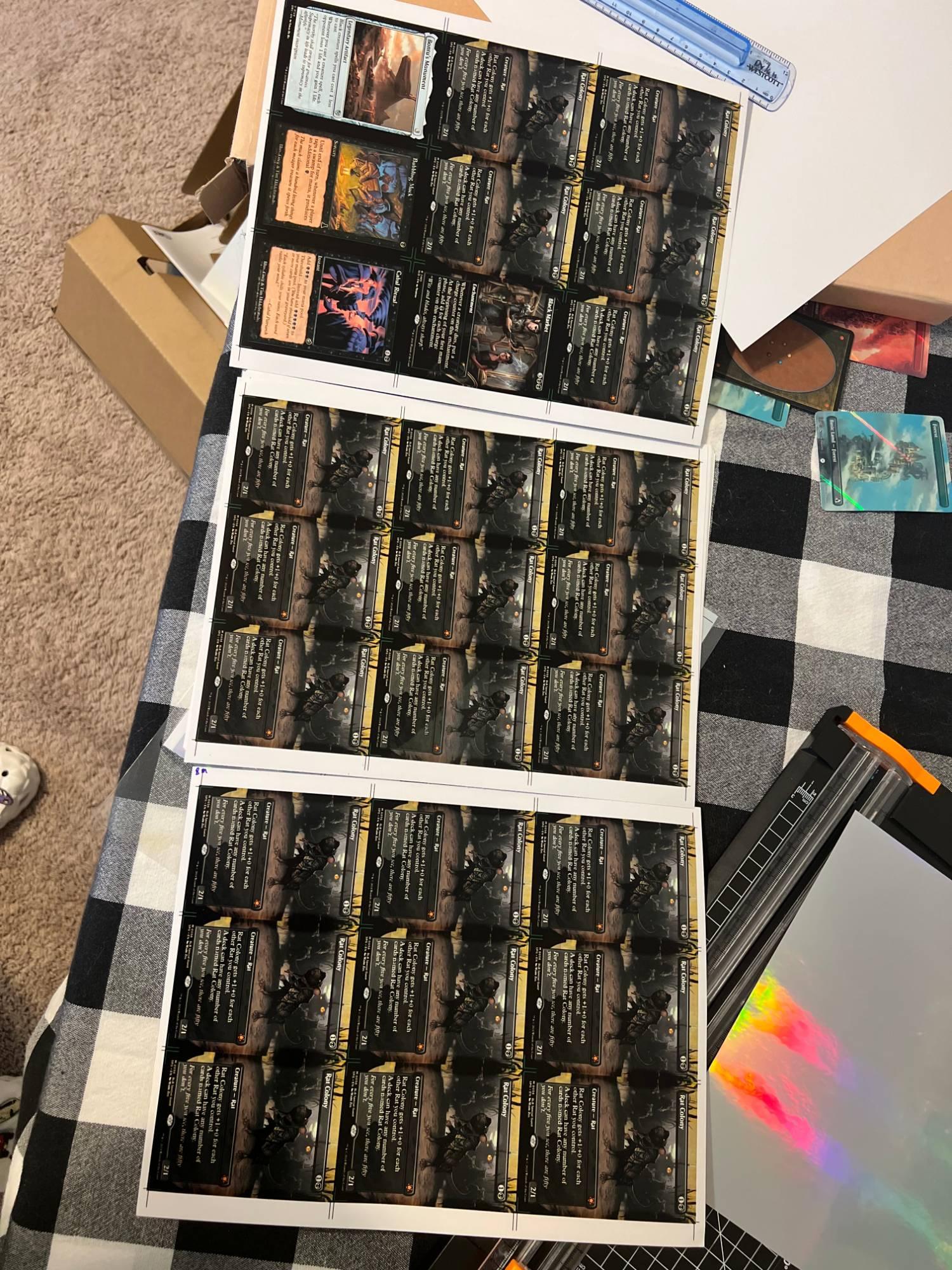
- A foil file that doesn't fill its sheets. Foil prints 9 to a sheet, so a foil-only file needs 9, 18, 27… cards. The order form tells you if the count is off.