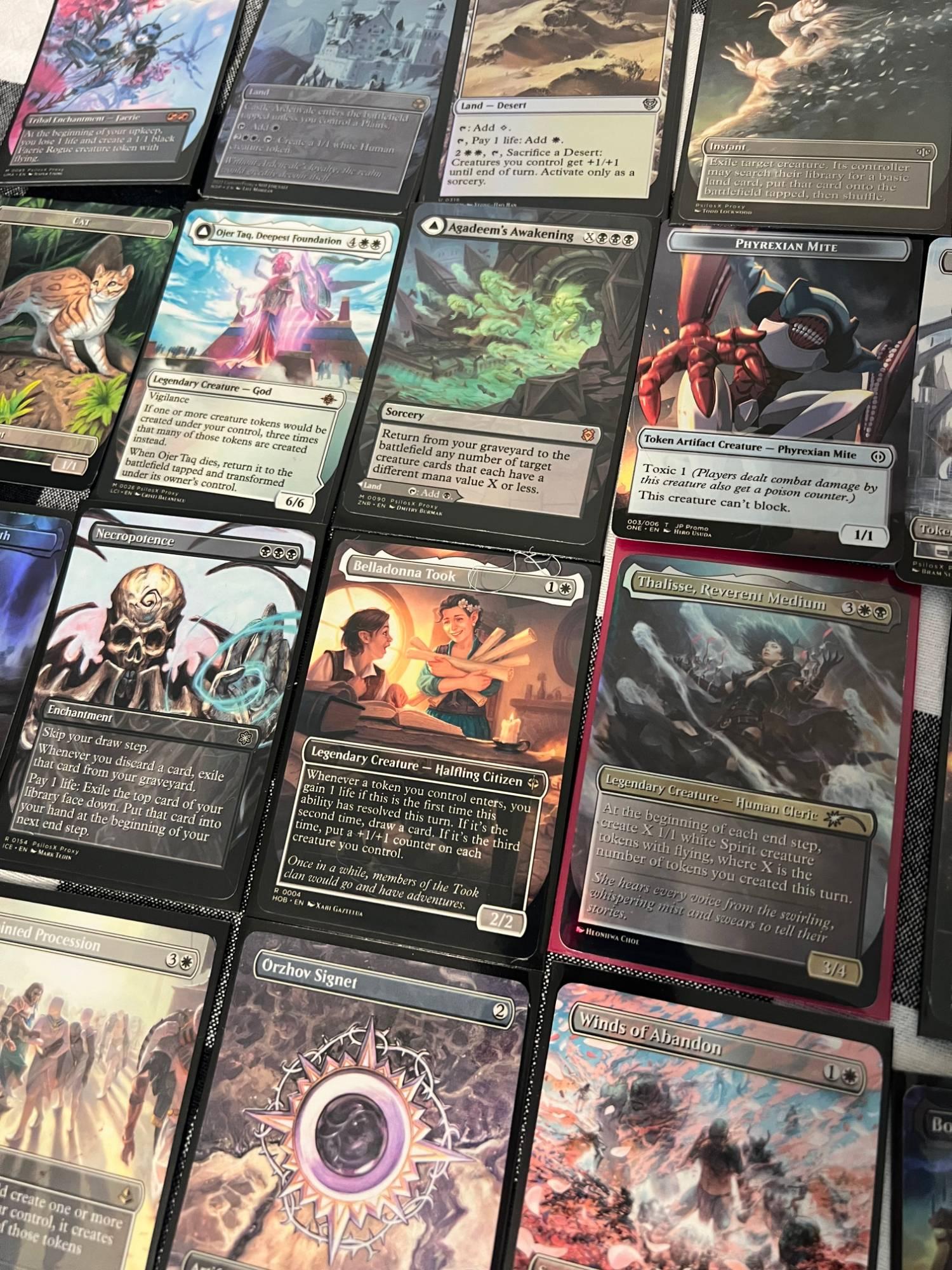
The single most common question we get is some version of "can I just send you my Moxfield link?" The answer is no, and the reason isn't stubbornness — it's pixels. Here's what a card actually needs to print sharp, why deck-list sites can't supply it, and a short check that catches the problems that delay orders.
What a printed card needs
A Magic card is 2.5 by 3.5 inches. Printing looks crisp at around 300 pixels per inch, which puts the floor at roughly 750 by 1050 pixels for the art alone — and that's before bleed, the extra margin we print past the cut line so the edges come out clean. The scans in the MPCFill and Proxxied libraries are made for exactly this: large, with bleed, usually well over a thousand pixels on the short side. Small text on a token stays legible; a borderless land's gradients stay smooth.
Why a deck link prints blurry
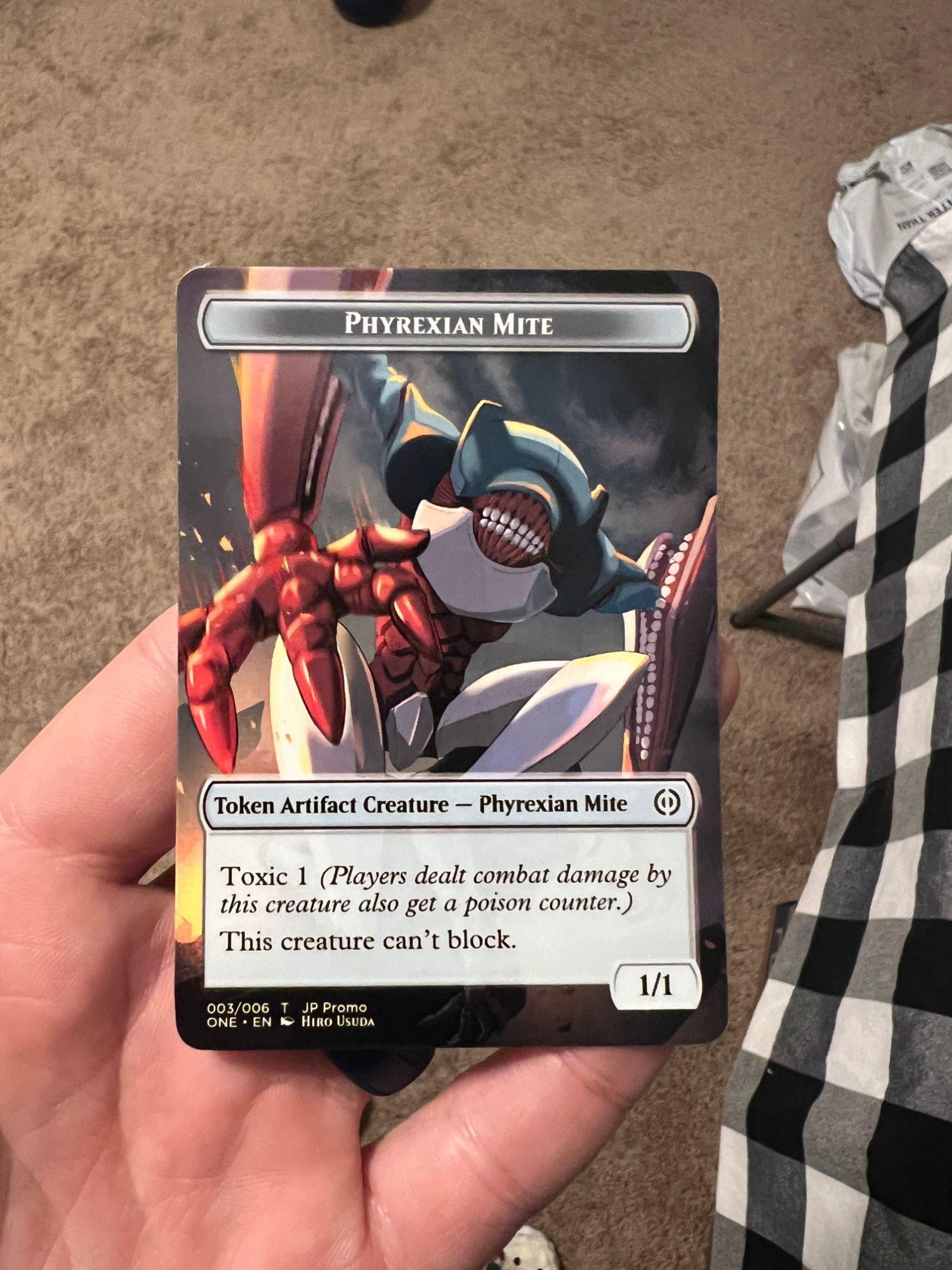
Moxfield, Archidekt, and similar sites exist to show you a list on a screen. They store web-sized thumbnails — great for a phone, nowhere near print resolution. Scale one of those up to card size and the text goes soft and the art goes muddy. A deck link also doesn't say which printing or alt-art you want; it just names the card. The .XML from a print builder carries a specific, high-resolution image choice for every slot, and that file is the only thing our printer reads. (The full ordering walkthrough is here.)
Bleed, borders, and the cut
We print each card slightly oversized and cut it down to standard size, so an image with bleed prints edge to edge with no white sliver. Full-art and borderless images use that to the fullest. If the art you picked has a black border, the border is part of the image and prints as drawn. Either way, choose the frame you want in the builder — we print what's in the file, and we don't add or remove borders.
The five-point check before you export
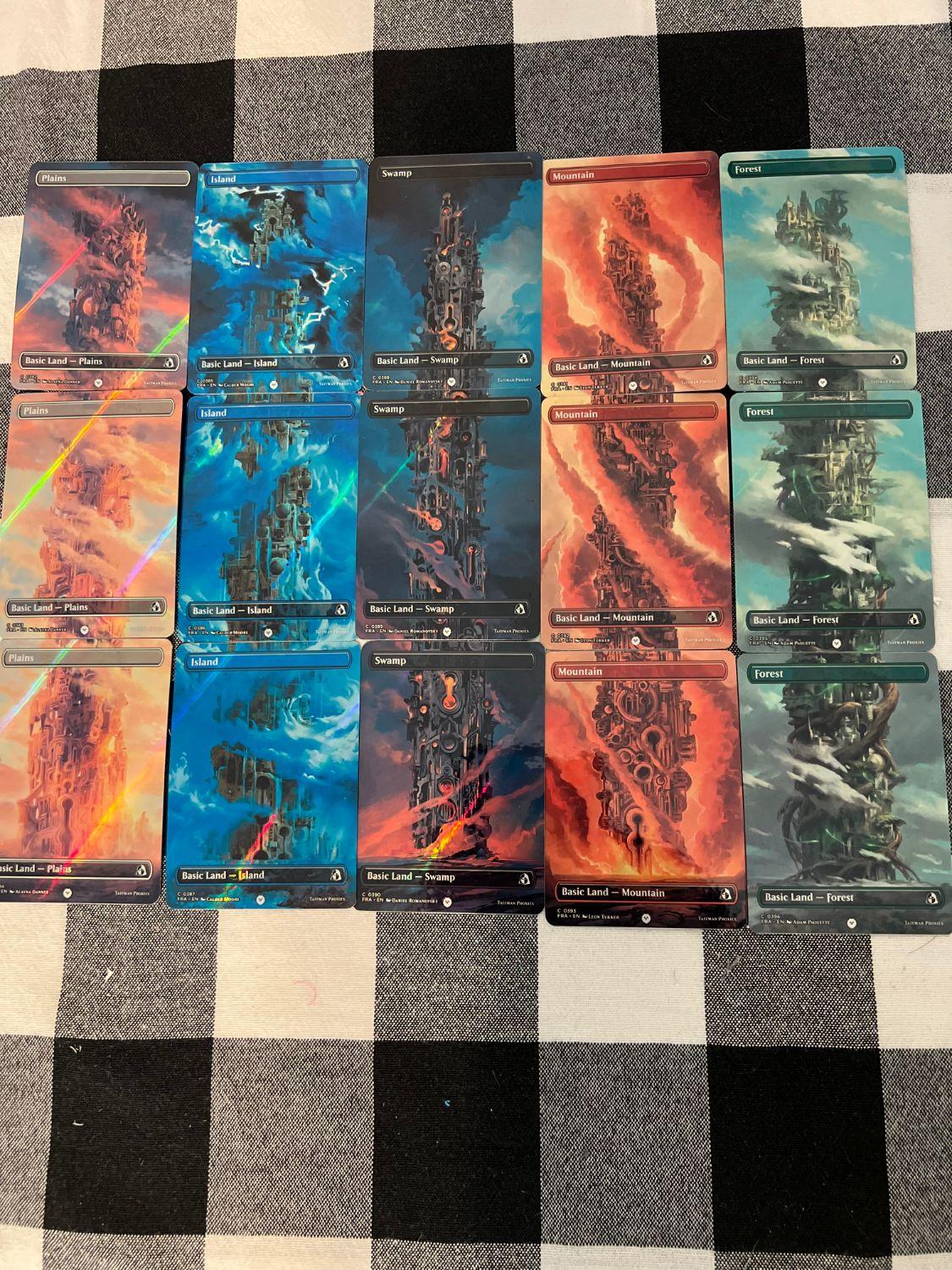
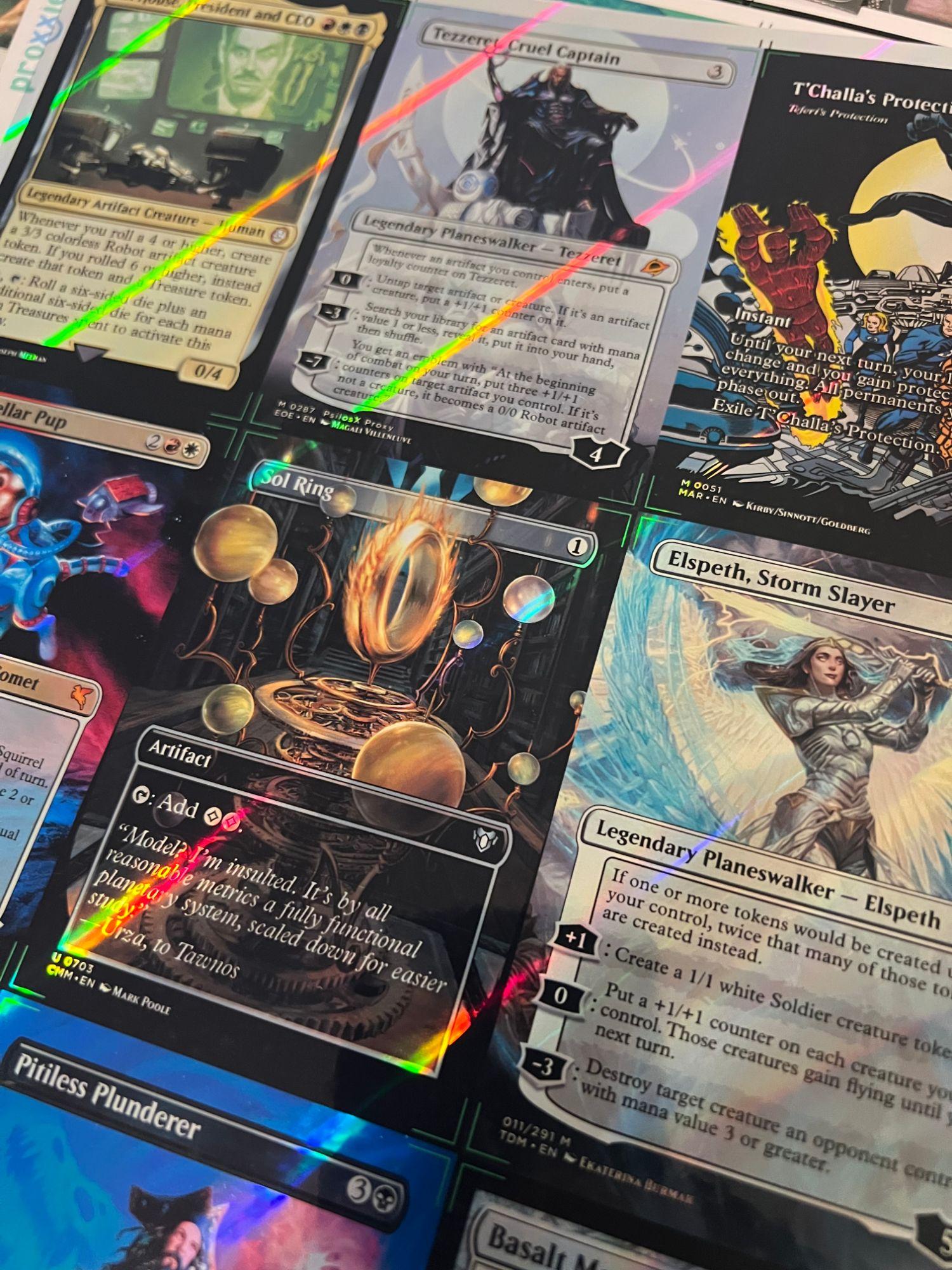
- No blank slots. A card with no image in the builder prints as a blank card. Open the project in Proxxied and scan the grid; swap any empty slot to another printing.
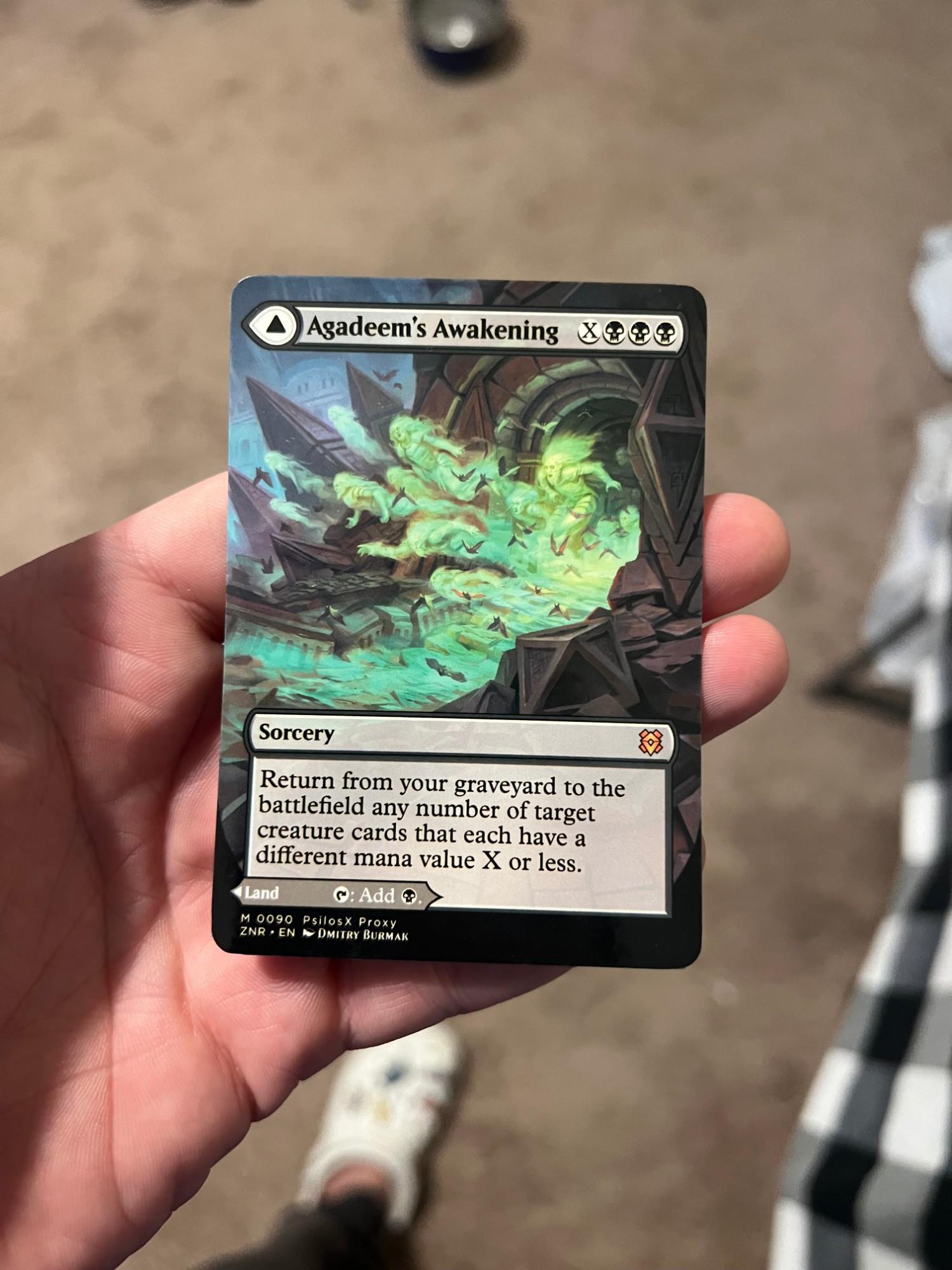
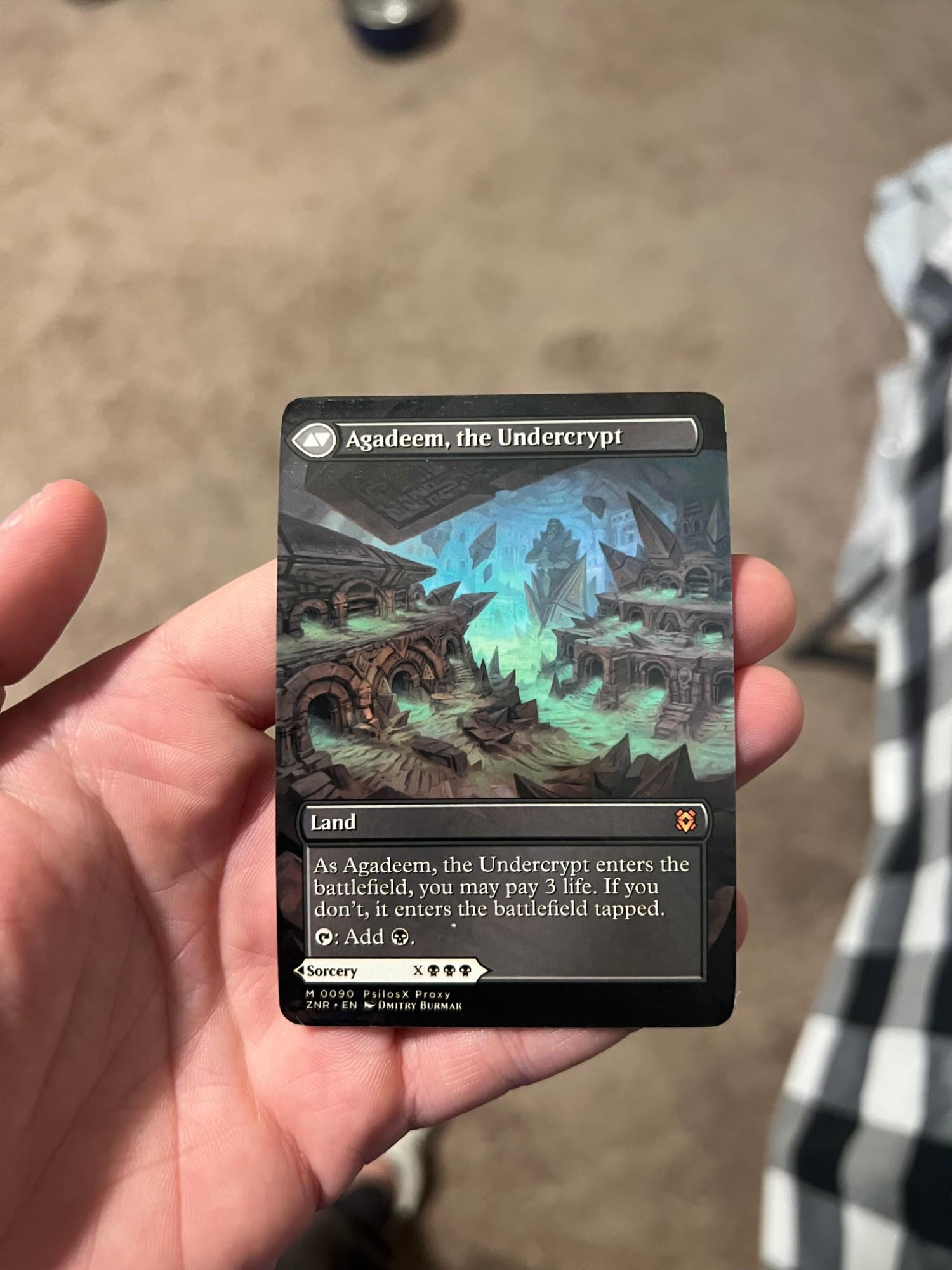
- Both faces of double-faced cards. We print both sides, so both need an image. Modal and transforming cards are the usual ones people miss.
- Tokens have art too. Up to 17 tokens are included in a deck, and the same no-blank rule applies to them.
- Right card, right printing. The builder matched a name to an image; make sure it picked the version you meant, especially for cards with many printings.
- Nothing asking for the official back. We never print the official Magic card back. If it's in the file or uploaded separately, the order is cancelled and refunded rather than printed.
Custom card backs
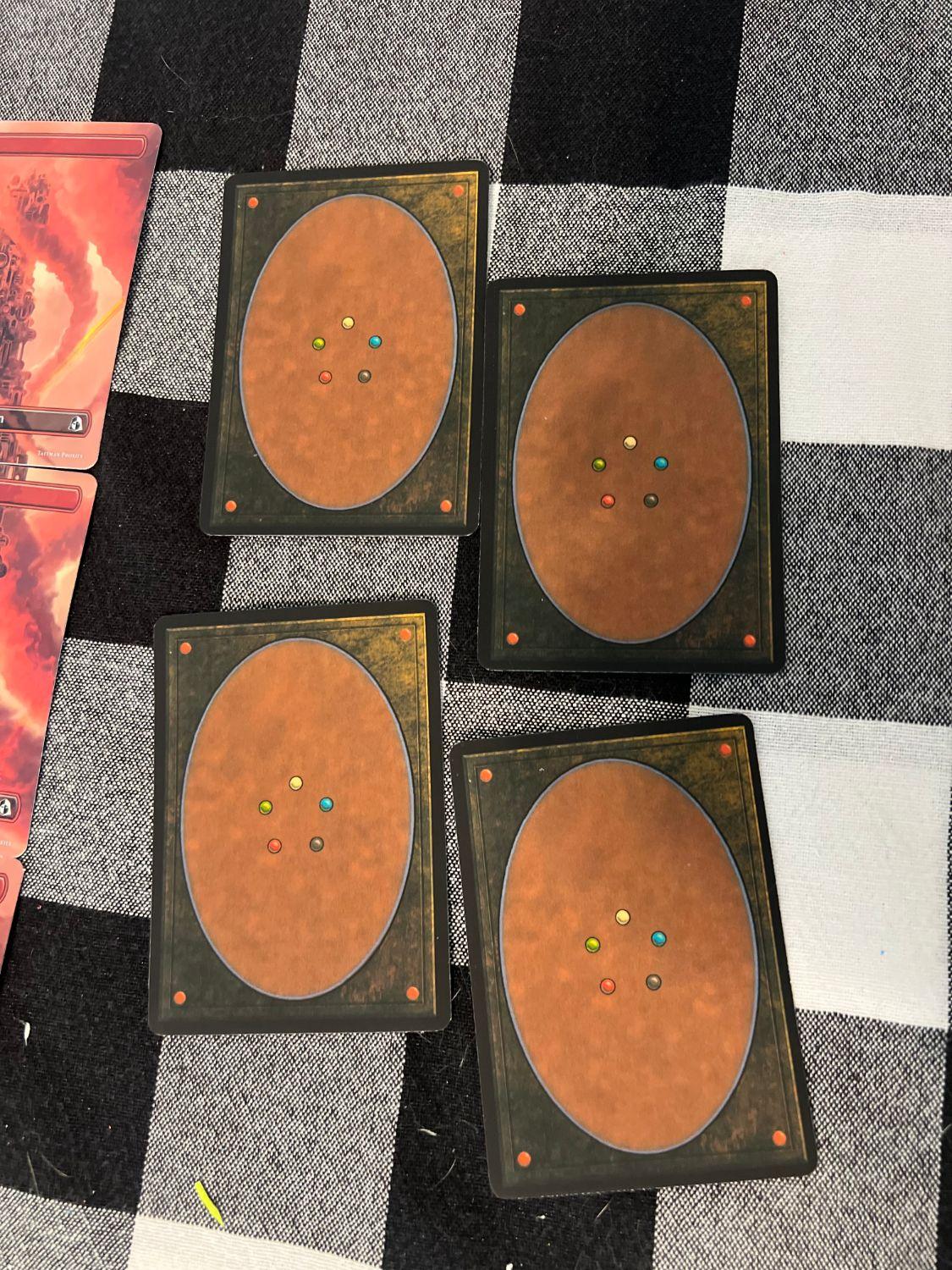
If you upload your own back, use a full-bleed image at 63 by 88 millimeters (2.5 by 3.5 inches) or larger, as a PNG, JPG, or WebP up to 8 MB. The same resolution rule applies: a small image stretched to card size looks it. Leave the back field empty and we use the back from your .XML, or pick blank or our printed back on the order form.
What we do on our end
Before anything prints, we open your file and look at every image. If one is missing or clearly too small, we email you with the card name instead of guessing — reply with a corrected .XML and we swap it at no charge, as long as printing hasn't started. That check is the reason a complete, high-resolution file is the fastest path from upload to a box at your door.